
Self-Service Ordering for Any Business
A self-service kiosk - just like McDonald’s.
At a fraction of the cost.
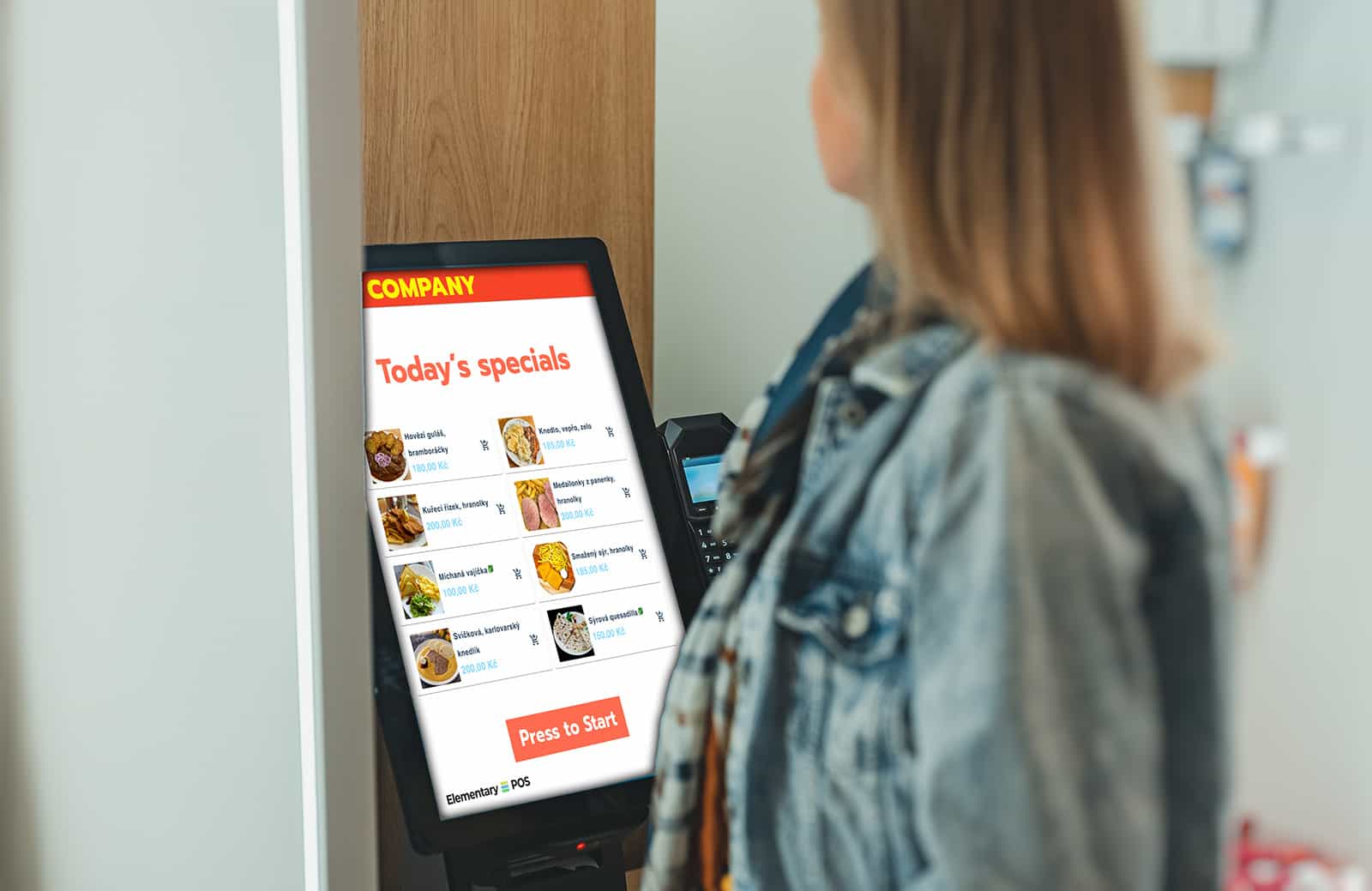
Turn any tablet or touchscreen into a professional ordering terminal. Reduce wait times, increase average order value, and free up your staff to focus on what really matters.
No Hidden Fees
Hardware of Your Choice
Up and Running in 10 Minutes
Make More. With Less Effort.
Staff Efficiency
UFree up your team. Instead of ringing up orders, they can focus on delivering great service.
Automatic Upselling
The kiosk never forgets to suggest add-ons. Average order value increases by 20%.
Maximum Accuracy
Customers enter their own orders. No miscommunication, no costly mistakes.
Cost-Effective Solution
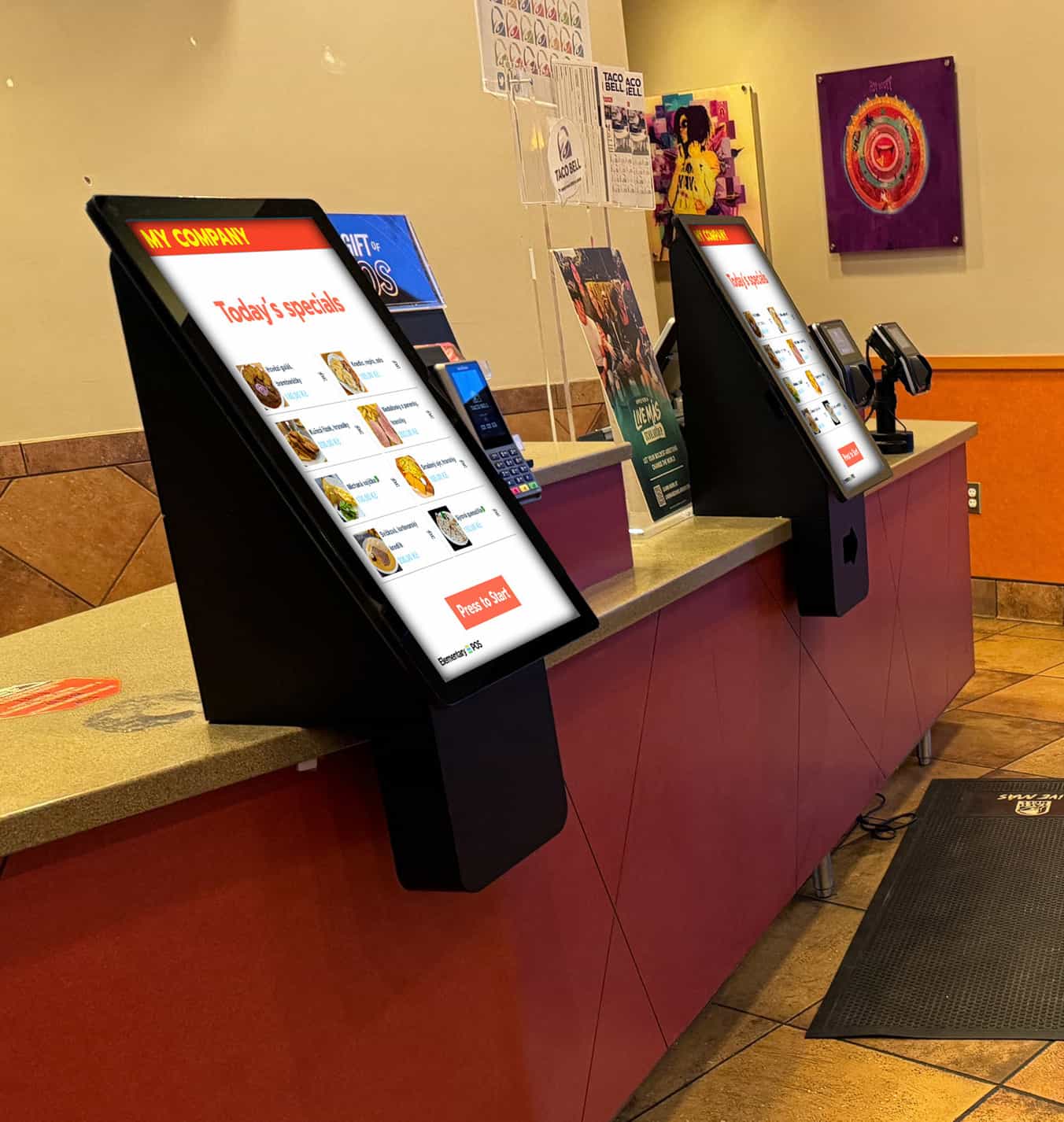
All you need is a standard tablet or touchscreen—no expensive, bulky kiosks required.
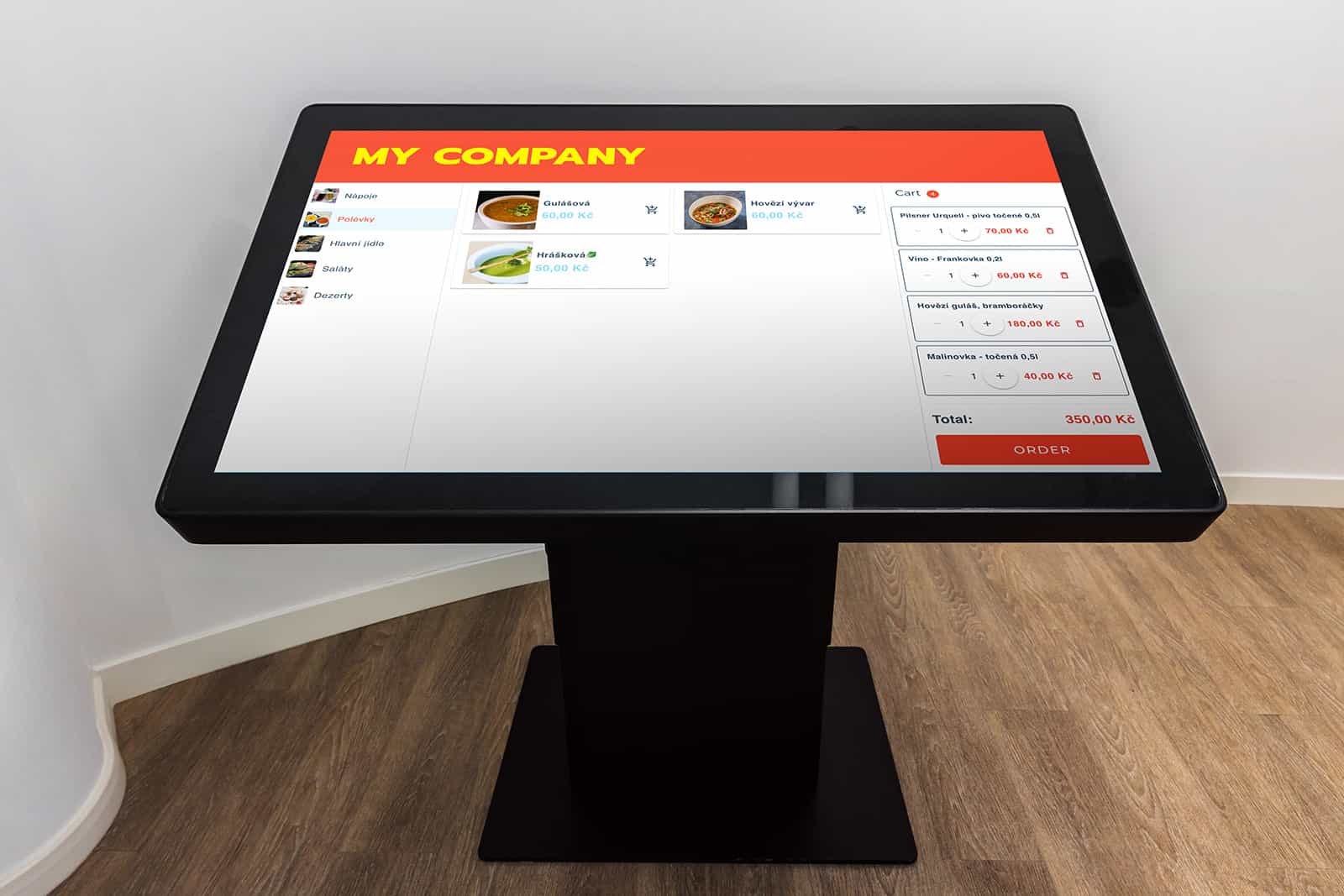
Ready to Go. Just Turn It On.
No Extra App—Just Activate
Kiosk mode isn’t an add-on, plugin, or third-party app. It’s built right into the Elementary POS system.
Up and Running in Minutes
No tricky integrations. No extra software to buy. No IT project.
How does it work?
The kiosk is connected to your POS system. Customers place their orders, and you simply prepare them for pickup.
Business Owner
Setting Up the Kiosk
- Prepare a tablet or mobile device with the Elementary POS app installed.
- Connect your payment terminal and receipt printer in the standard way.
- In the Elementary POS app, activate Kiosk Mode: Menu → Settings → Kiosk Mode
-
From this point on, the Elementary POS app will receive payment requests from the kiosk via a dedicated web address. The system will handle:
- Payment processing through the connected terminal
- Receipt printing
- EET processing
- Order creation
- The kiosk itself runs as a web page in a browser on a separate device. It works on virtually any device (Windows, Linux, Android, macOS).
- Recommendation: Set up the kiosk device so customers cannot exit the browser (system-level kiosk mode).
customer
Selection, Order, Payment, and Pickup
- The customer selects and places their order at the kiosk.
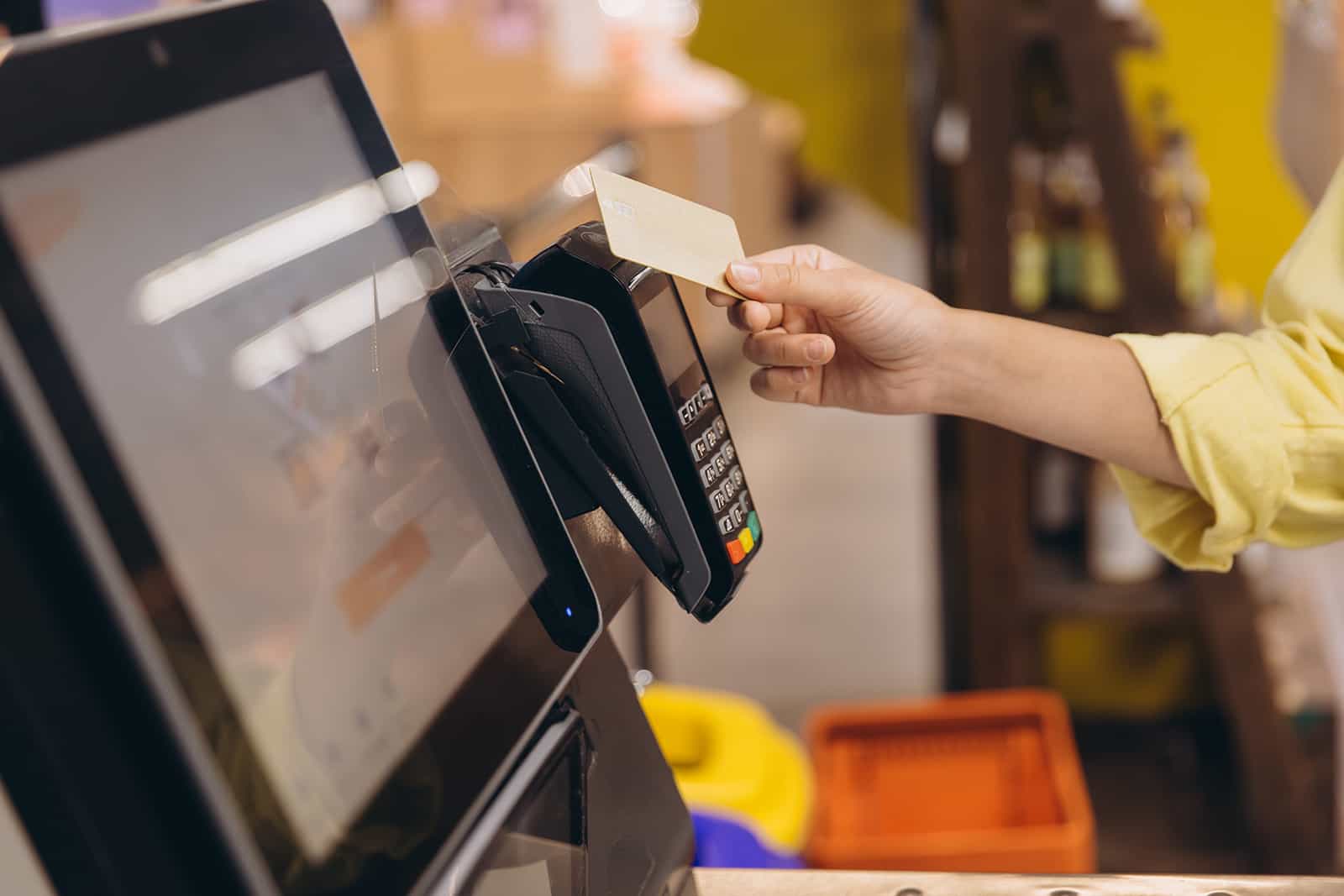
- They pay by card directly at the terminal and receive a receipt with an order number.
- The order is automatically routed to the appropriate stations based on your business setup (e.g., kitchen, bar, storage, and more).
- The customer picks up their order at the pickup counter using their order number.
Good to Know
The kiosk doesn’t require a dedicated app. It runs in a secure browser, ensuring 100% compatibility with Android, iOS, and Windows.
Payment Support
Fully integrated with SumUp, GP tom, and other terminals for smooth, staff-free checkout.
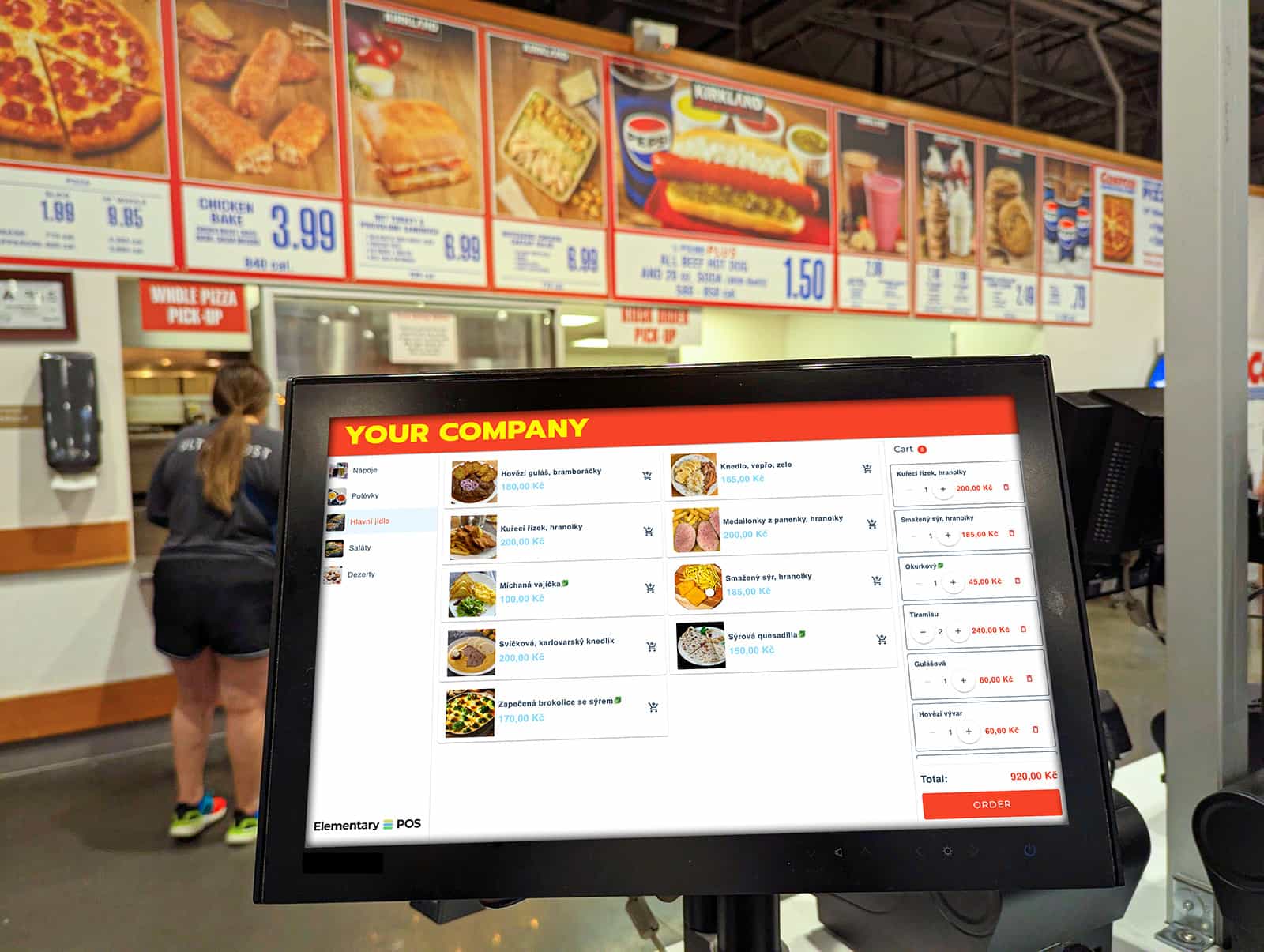
Where Self-Service Ordering Wins?
Fast Food & Bistros
Let customers skip the line and place their order the moment they walk in.
Cafés & Bakeries
Perfect for quick coffee-to-go orders and busy morning rush hours.
Retail Stores
The kiosk showcases your full product range—even items not on display. Customers order, pay, and simply wait for pickup.
Tickets & Services
Self-service ticket sales for cinemas, museums, or sporting events.
Why Customers Love Your Kiosk
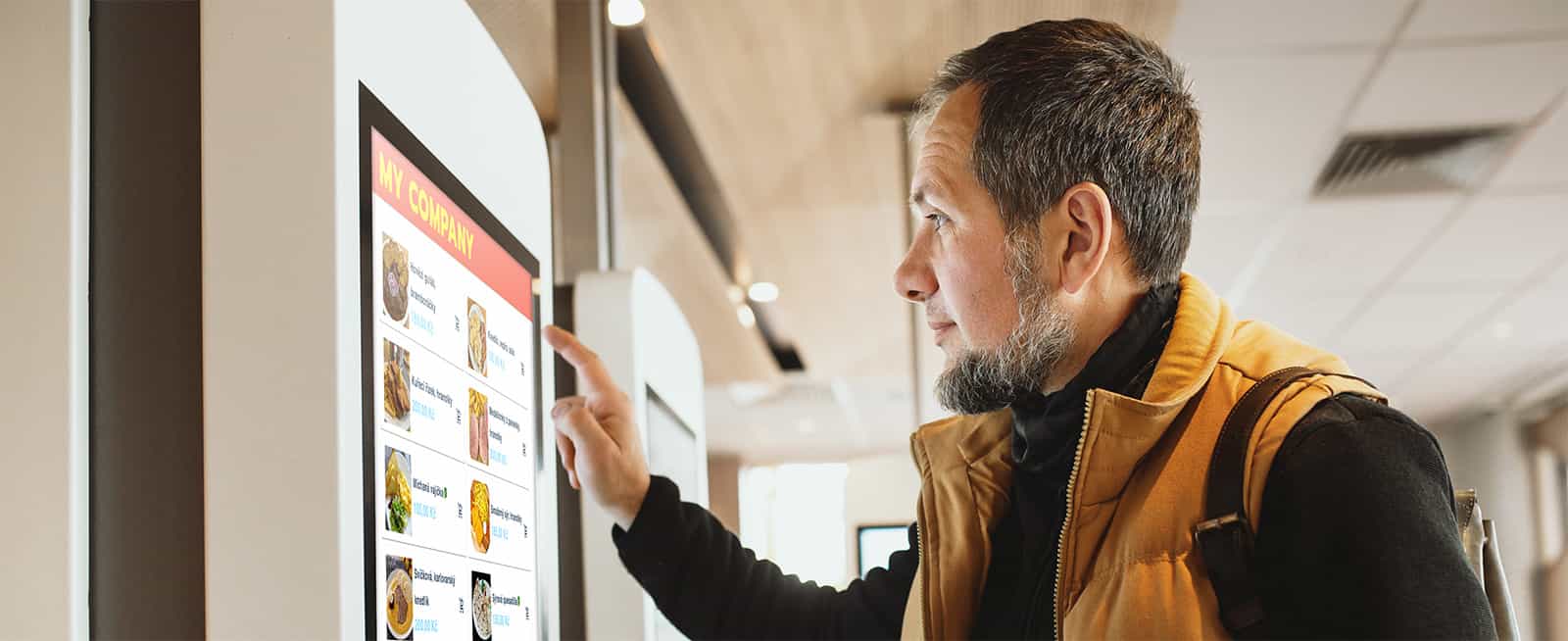
No More Waiting in Line
Fast checkout even during peak hours—no stress, no delays.
Visual Menu Selection
High-quality food photos do the selling for you.
Flexible Payment Methods
Pay by card, phone, or watch in seconds.
Easy Customization
Quickly remove ingredients or add extra portions.
Order Status Updates
Clear visibility into when your order will be ready.
Works With Any Hardware Setup
Use what you already have, or upgrade to a professional setup. Elementary POS adapts to your needs and budget.
Kiosk Terminal
- A standard tablet (10” or larger) or touchscreen of your choice
- Tabletop stand or freestanding kiosk stand
- Payment terminal (optional)
POS Setup
- Network receipt printer (LAN/Wi-Fi)
- Kitchen Display System (KDS) for staff
- Stable internet connection
Why Choose Elementary POS?
No Vendor Lock-In
We’re not tied to any hardware manufacturer. If you already have tablets, you can use them without limitations.
Extreme Scalability
Start with a single kiosk and scale as needed. The system handles hundreds of orders with ease.
Continuous Development
Card, phone, or watch in seconds.
Local Support
We’re here to help when you need advice on setup or hardware selection.
Frequently Asked Questions
What is a kiosk terminal and how does it work?
A kiosk terminal is a self-service screen where customers can browse, order, and pay—without staff assistance. They simply tap, pay, and the order is instantly sent to the kitchen, bar, or other station. Meanwhile, your team can focus on preparing and serving orders instead of taking them.
How much does the Kiosk Mode license cost?
Kiosk Mode is included in the Business and Enterprise plans. There’s no additional fee for the kiosk itself—if you’re already on one of these plans, it’s available to you automatically. Just activate it and you’re ready to go.
Do I need to integrate the kiosk with my POS system?
No. Kiosk Mode is built directly into Elementary POS—it’s not an external app or a third-party add-on.
All you need is a compatible tablet or touchscreen. Simply activate Kiosk Mode in your existing account and you’re ready to go. No IT specialist required.
No integrations, no APIs, no IT project.
Do I need to buy special hardware?
No. Elementary POS works on tablets and devices you may already have—or on any standard, widely available tablet.
There’s no need for expensive proprietary kiosks. With Elementary POS, you only pay for the software, and you choose the hardware that fits your needs.
What types of businesses is a kiosk terminal best suited for?
Primarily restaurants, fast food outlets, bistros, cafés, food courts, as well as retail stores and service businesses—anywhere customers place orders repeatedly, queues form, or staff availability can become a bottleneck.
Does a kiosk really increase revenue?
Yes—and it’s not just theory. After introducing self-service kiosks, McDonald’s reported roughly a 6% increase in revenue. Customers naturally add more items and upgrades when ordering at their own pace. The same principle applies to small cafés and bistros. And on top of that, kiosks help reduce labor costs.
How is the kiosk connected to my POS system?
The kiosk terminal is fully integrated with Elementary POS. Orders flow directly to the kitchen or inventory system the same way as staff-entered orders—no manual re-entry, no errors.
Can I manage the menu myself, or do I need a technician?
You can manage everything directly in the Elementary POS admin—just like your regular menu. Any price change or new item appears instantly across all devices.
What happens when the kiosk is not in use?
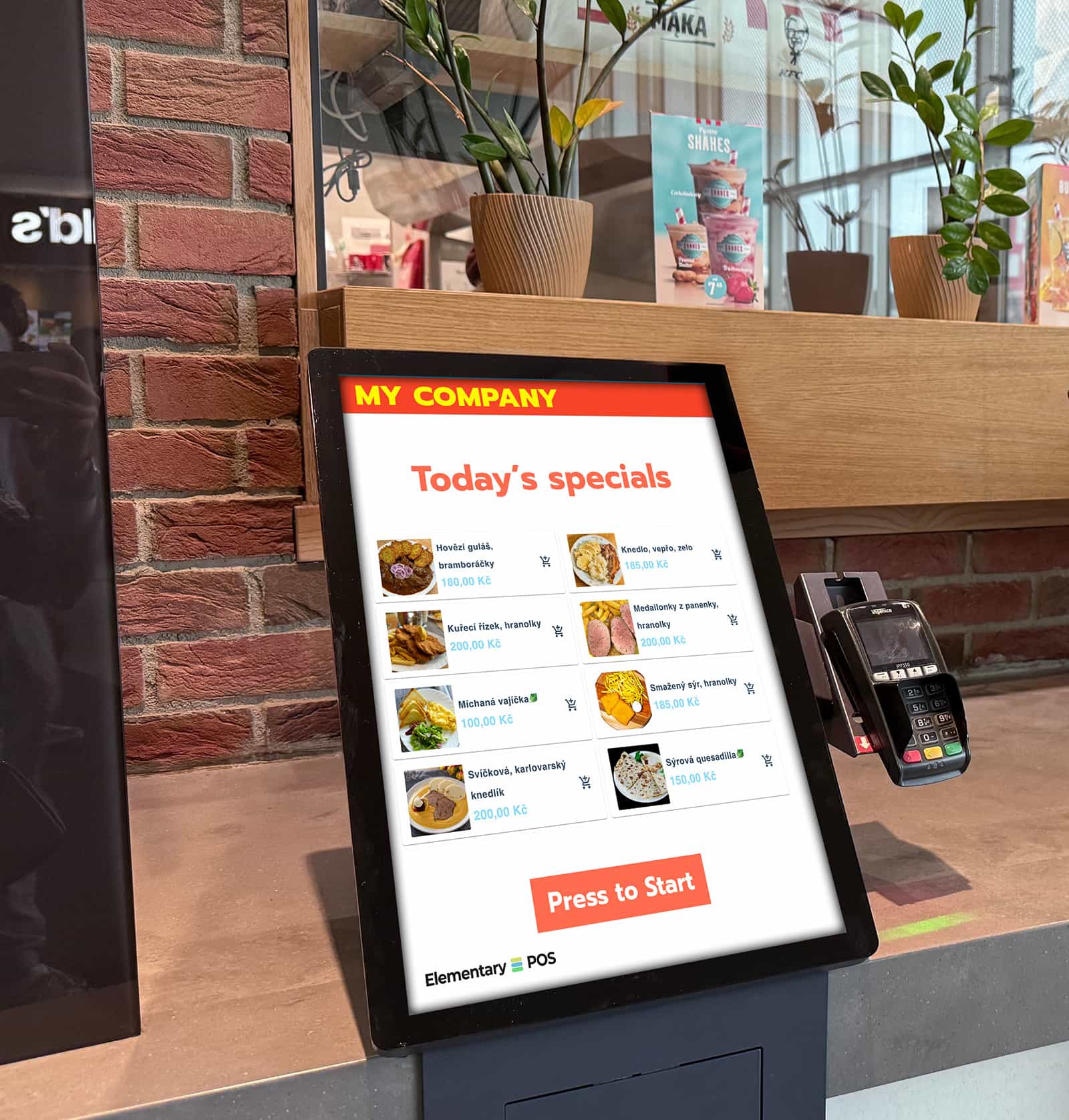
When idle, the kiosk can display your menu, daily specials, or promotional items—acting as a digital menu board and silently marketing your offers even when no one is ordering.
How quickly does the investment pay off?
It depends on the business, but for operations with busy peak hours, ROI is typically fast. The kiosk either reduces labor needs or increases throughput without hiring additional staff.
Do I need special internet for the kiosk?
No. Kiosk Mode runs on the same connection as your POS—standard Wi-Fi or mobile data is enough. No special network setup or dedicated line required.
How do I get started?
Download Elementary POS and you can start selling right away. If you need more information or help choosing hardware, feel free to contact us.
Ready for the Future of Selling?
Boost your revenue and modernize your business with Elementary POS today. Setup takes just a few minutes.