Real-Time POS System ↔ WooCommerce Synchronization
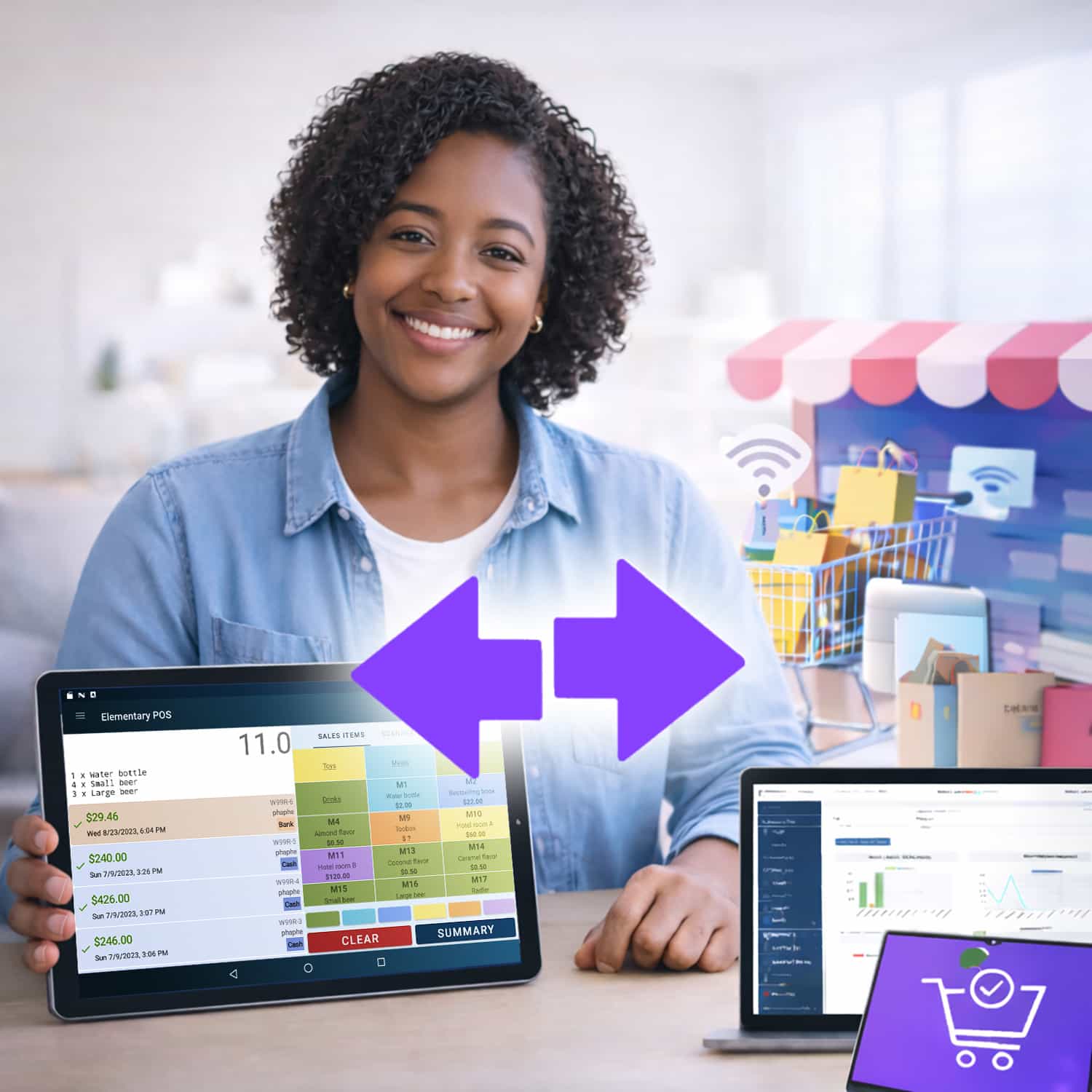
Elementary POS for WooCommerce bridges the gap between your retail counter and your e-commerce site. Synchronize stock, manage orders, and run your business from a single source of truth.
A robust plugin designed for reliability, control, and seamless data flow.
Everything you need to run an Omnichannel Business
Automatic Product Import
Import products from Elementary POS to WooCommerce with one click. Seamlessly populate your online store with your existing inventory.
Draft Mode Management
Option to import new products as Draft instead of Published. Includes optional synchronization for draft products to keep work-in-progress aligned.
Bidirectional Stock Sync
Keep stock levels synchronized in both directions. Sales in-store update the web; online orders update the store.
Real-time Webhooks
Instant updates. When sales or inventory changes occur in Elementary POS, webhooks immediately update WooCommerce.
Automatic Order Sync
WooCommerce orders automatically update Elementary POS inventory. Keeps your physical store stock accurate without manual intervention.
Reliable Queue System
Robust processing with automatic retry on failures. If the API is busy or offline, the system queues updates to ensure no data is lost.
Manual Controls
You are in charge. Get full manual control over synchronization triggers and settings when you need to override automation.
Comprehensive Logging
Full transparency. Track all synchronization activities with detailed logs to monitor performance and troubleshoot potential issues.
Set up in Minutes
No developer required. We built this integration to be plug-and-play for business owners, not just IT experts.
Install Plugin & Activate
Search for 'Elementary POS' in your WordPress Admin > Plugins section, or download it directly from the repository.
Connect API Key
Get your connection key from the Elementary POS app (Settings > Remote Stock). Paste it into the plugin settings to establish the link.
Connect & Sync
Paste the API key into the WooCommerce plugin settings. Click 'Save' and choose whether to import products or sync existing stock.
By connecting WooCommerce with Elementary POS, you save time, reduce daily worries, and can focus on what matters most — your business.
How Synchronization Works
Understanding the bidirectional data flow between your Point of Sale and WooCommerce store.
Elementary POS -> WooCommerce
What Gets Synchronized
Product data (name, SKU, price, categories)
Stock quantity changes from all sources (sales, manual adjustments, inventory corrections)
When It Happens
Real-time Webhook: When any stock change occurs in Elementary POS (sale, manual adjustment), a webhook is sent immediately to WooCommerce to update stock levels instantly.
WooCommerce -> Elementary POS
What Gets Synchronized
Stock quantity changes from completed orders only
Manual stock adjustments in WooCommerce admin are NOT synchronized.
When It Happens
Order Completion: Changes are sent immediately when an order is completed. If the API is unavailable, changes are queued and retried automatically every 15 minutes via WP Cron.
Yes. All stock changes in Elementary POS are sent to WooCommerce instantly via webhooks. There is no polling or delay. If a webhook cannot be delivered, the update is safely queued and retried automatically.
No data is lost. Any failed update is placed into a secure queue and automatically retried every 15 minutes using WP Cron until successfully processed.
If the Elementary POS API is unavailable when an order or stock change occurs, the update is queued. The plugin retries these failed updates automatically every 15 minutes via WP Cron, ensuring reliable delivery once the connection is restored.
No. Due to WooCommerce core limitations, only whole number quantities are supported. Decimal values (for example 1.5 kg) are automatically rounded to integers.
The WooCommerce plugin itself is included with Elementary POS at no extra charge. There are no per-order fees, no sync limits, and no hidden costs — just a direct extension of your Elementary POS subscription.