The Elementary POS Blog

Welcome to our Elementary POS blog, the place to be the first to hear the news!

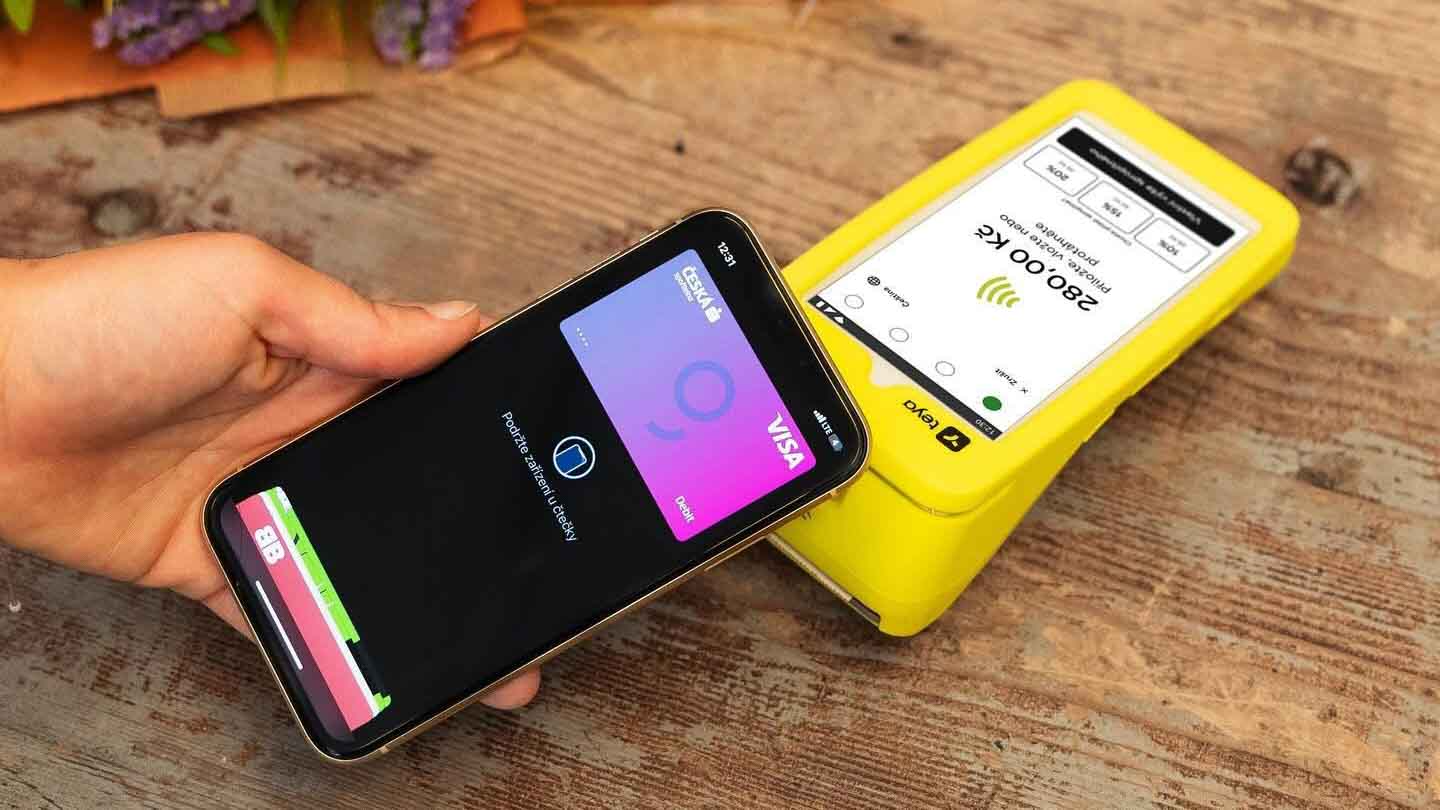
You can use Elementary POS with your Teya payment terminal in two ways. You can install Elementary POS directly on your Teya terminal, combining your POS system and card payment processing in one device. Alternatively, you can use Elementary POS on a tablet or mobile phone connected to your Teya payment terminal. Elementary POS Directly on Your Teya Terminal If you want to manage sales and accept card payments on a single device, you can now install Elementary POS directly on your Teya terminal. You can find...

We’ve prepared more new features to make your everyday work with Elementary POS even easier. This time, the updates focus on sales categories. You can now set up Favorite Categories in Elementary POS, so the...
Stay connected to your business wherever you are with our new mobile app – Elementary POS Office! Monitor your business directly from your smartphone in real time, whether you’re across town or on the other...

10 reasons why to start with Elementary POS

Recent posts

Do you run a restaurant, café, retail store, or other business that serves international customers? Would you like to accept cash payments in foreign currencies without changing your primary accounting currency? Elementary POS now makes it...
Elementary POS allows you to automatically read product weight and price using a barcode scanner. This means faster checkout, fewer errors, and better control over your sales. This feature is especially useful for businesses that sell...
Elementary POS includes many smart features that help you keep your business under control — and clear, well-structured product categories are one of the most important ones. If you work with dozens (or even hundreds)...
We’re pleased to introduce a new feature in Elementary POS – QR code payments in Singapore! QR payments offer a fast and convenient way for you and your customers to make payments. As QR payments continue to...
Every day, we work to make the Elementary POS app even better and easier to use. That’s why we’re introducing a brand-new feature: color tags for bills. With them, navigating the app becomes simpler, and you’ll...
We’ve been busy working on two new improvements to make Elementary POS even more flexible and time-saving for you and your staff. These updates improve your workflow and make everyday use even easier. 1. Add...

Tutorials

You can use Elementary POS with your Teya payment terminal in two ways. You can install Elementary POS directly on your Teya terminal, combining your POS system and card payment processing in one device. Alternatively,...
Elementary POS includes many smart features that help you keep your business under control — and clear, well-structured product categories are one of the most important ones. If you work with dozens (or even hundreds)...
A subscription within a loyalty system offers a stable income to businesses as well as a convenient access and discounted prices of services and products to customers. This option gives customers a feeling of exclusivity, allowing them to save...

Latest App Updates

Summary of the latest features, fixes, and improvements in the application.

ImprovementsNew Feature
You can now install Elementary POS directly on your...
Improvements
Staff can now view notes for sales items directly...
Improvements
We have expanded the stock management options in Elementary...

Ready to start?

Let’s find out how Elementary POS can help you with your business. Easy to use POS software for a fair price.